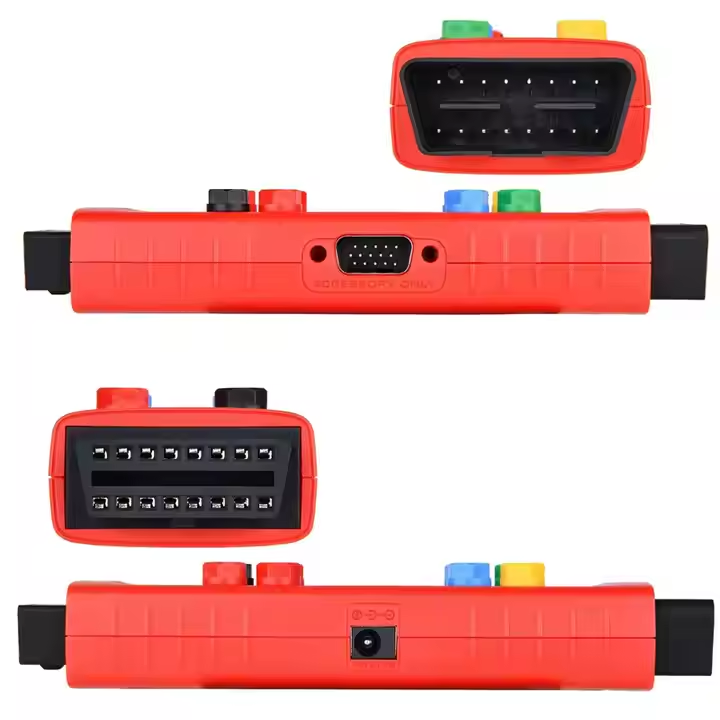
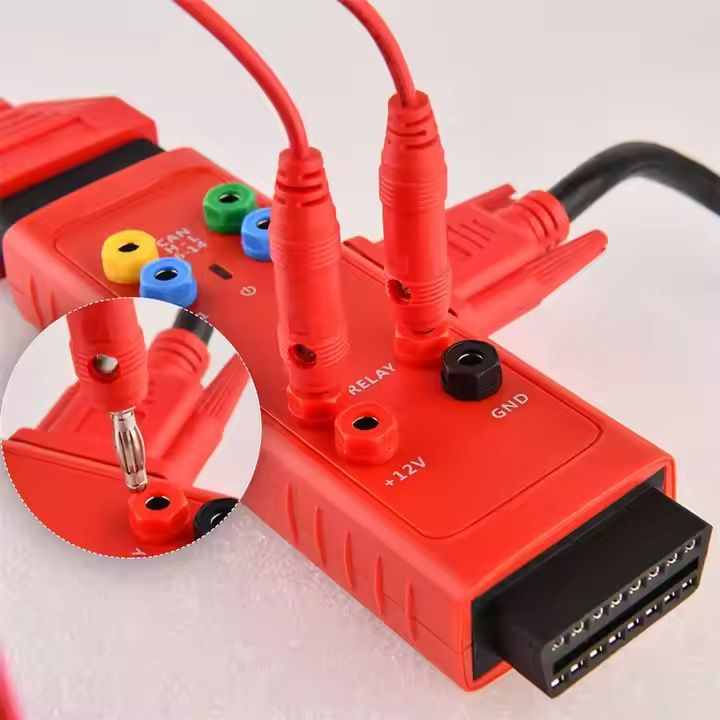
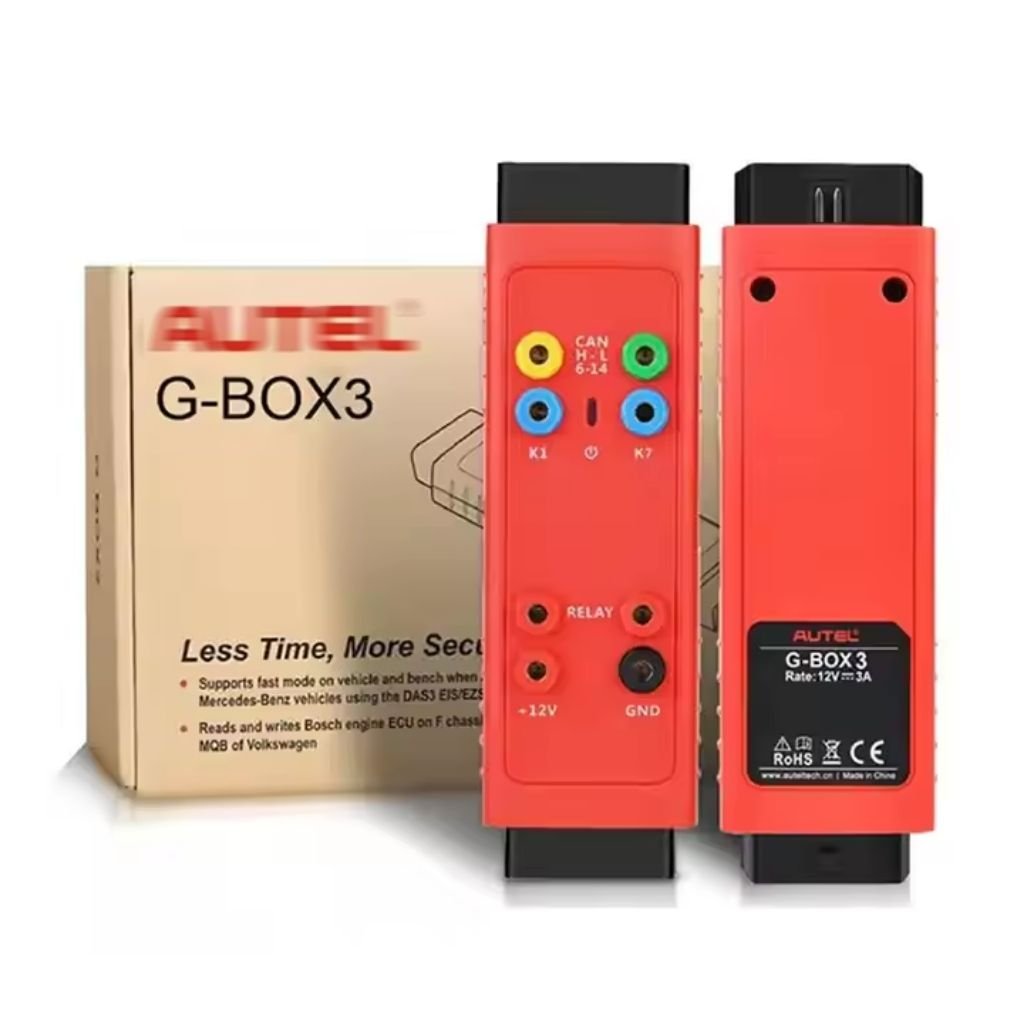

Feature:
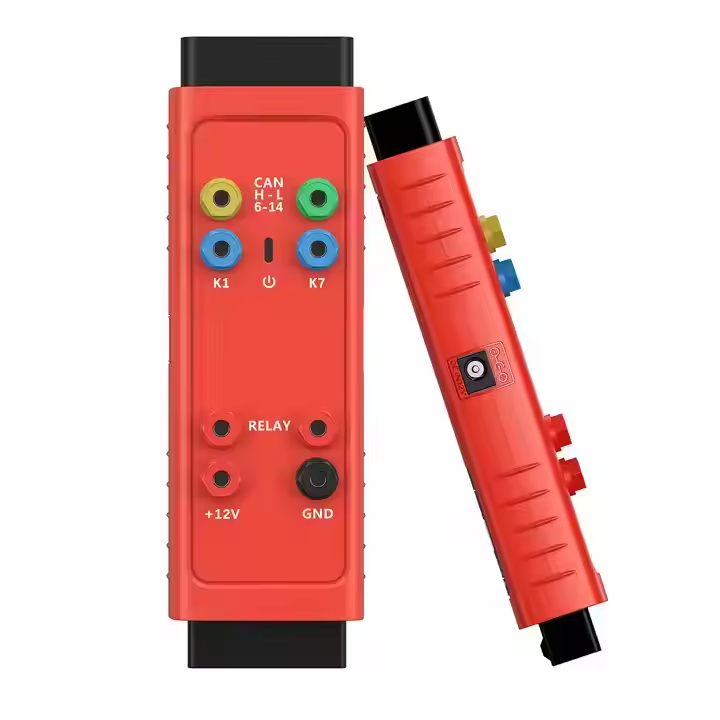
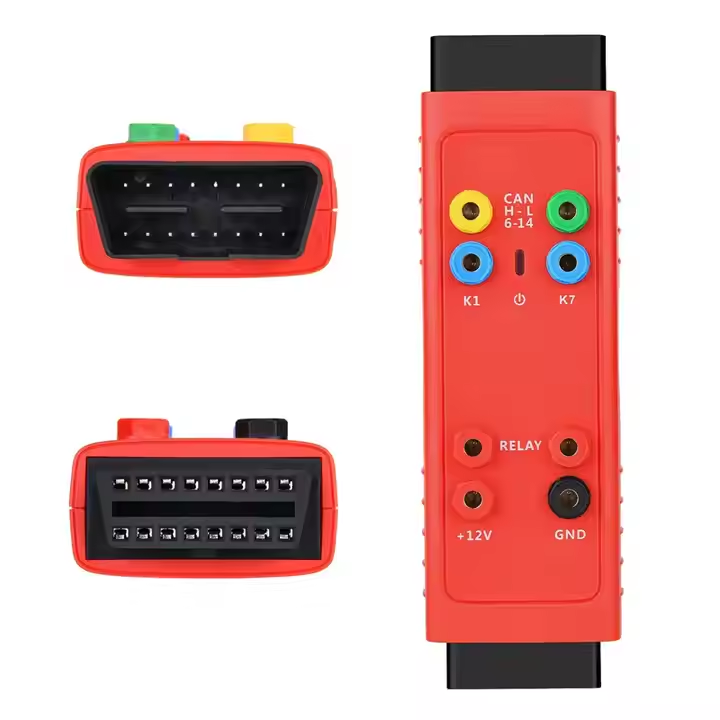
1. G-Box 3 Work with IM608 / IM508 / KM100 / XP400PRO
2. For BMW DME/ DDE ISN Reading and Writing in Boot Mode for 20 Types
(EDC17, MEVD17, MSV90, MSD87, etc)
3. Faster Password Calculation for Mercedes-benz All Key Lost
(W172, W204, W207, W209, W211)
4. Mercedes-benz ECU Data and EIS Password Calculation
5. For Mercedes-benz DAS3 can EIS/ EZS All Keys Lost
6. No Need to Remove and Reinsert the Key for W221 & W164 after 2009 Model
7. No More Repeated Insertions and Removals of IR Simulator for 10 Types of EIS
8. Passport Reading for 9 Type EIS When All Keys Lost on vehicle
9. VAG ECM IMMO data reading & data synchronization for 18 types
(MQB EDC17, MED17, etc)
10. Engine ECU Reading/ Writing for BOSCH MD1/ MG1 (VAG, BMW, PSA, OPEL, etc)

For Autel G-BOX 3 Functions:
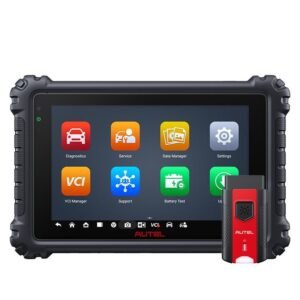
1) Compatible with IM608, IM6O8PRO and IM508 (with an additional purchase of XP400).
2) Supports on-vehicle and on-bench Fast Mode in an All Keys Lost scenario for Mercedes-Benz vehicles using the DAS3 EIS/EZS
3) Bosch engine ECU read and write on BMW F-chassis and Volkswagen MQB vehicles
4) Engine ECU reading/writing for BOSCH MD1/MG1(VAG,BMW,PSA,OPEL,etc)

How to Use for Autel G-BOX3 Work?
1. OBDII Operation when all keys of Mercedes-Benz vehicle are lost
Use OBDII access on Mercedes=Benz vehicles manufactured after 2009 with W204, W207, W216 and W164 EISs
2. How to do via OBD When All Keys of Mercedes-Benz Vehicle Are Lost
This method is suitable for Mercedes-Benz W204, W207, W216 and W164 EISs after the year 2009


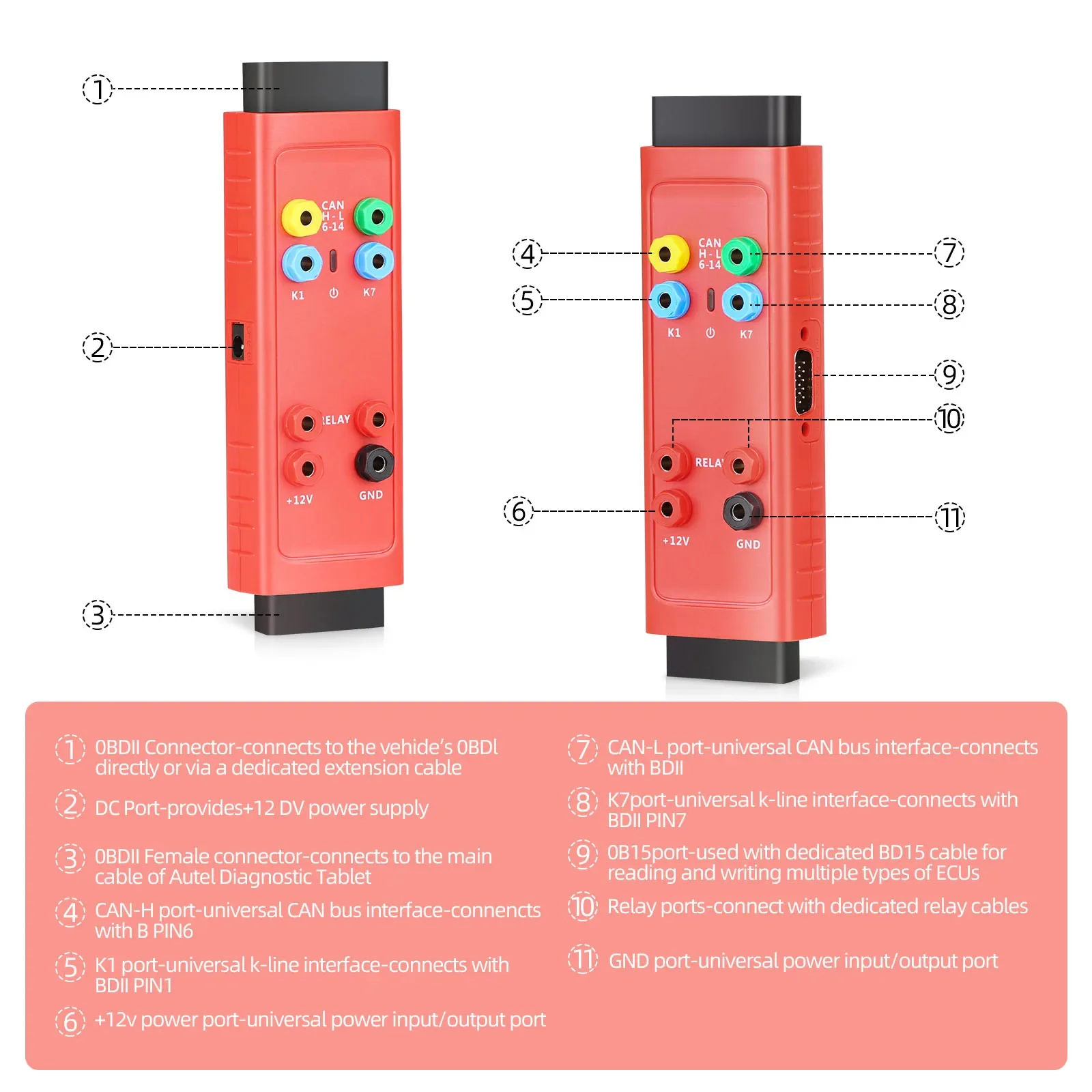
How to Connect for Autel G-BOX3 Step by Step:
2. Plug to the DC port of G-Box using a power adapter (DV 12V)
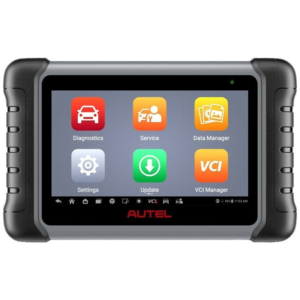
3. Plug the G-Box to the for Autel Diagnostic Tablet (MaxiIM IM608 pro, IM508)

|
1 x
|
FOR Autel G-BOX3
|
|
1 x
|
DB15 Cable
|
|
1 x
|
K-Line Cable
|
|
1 x
|
Fuse Cable
|
|
2 x
|
Fuse (5A)
|
|
2 x
|
Clamp Cable
|
|
1 x
|
OBDII Extension Cable
|
|
1 x
|
Quick Reference Guide
|